
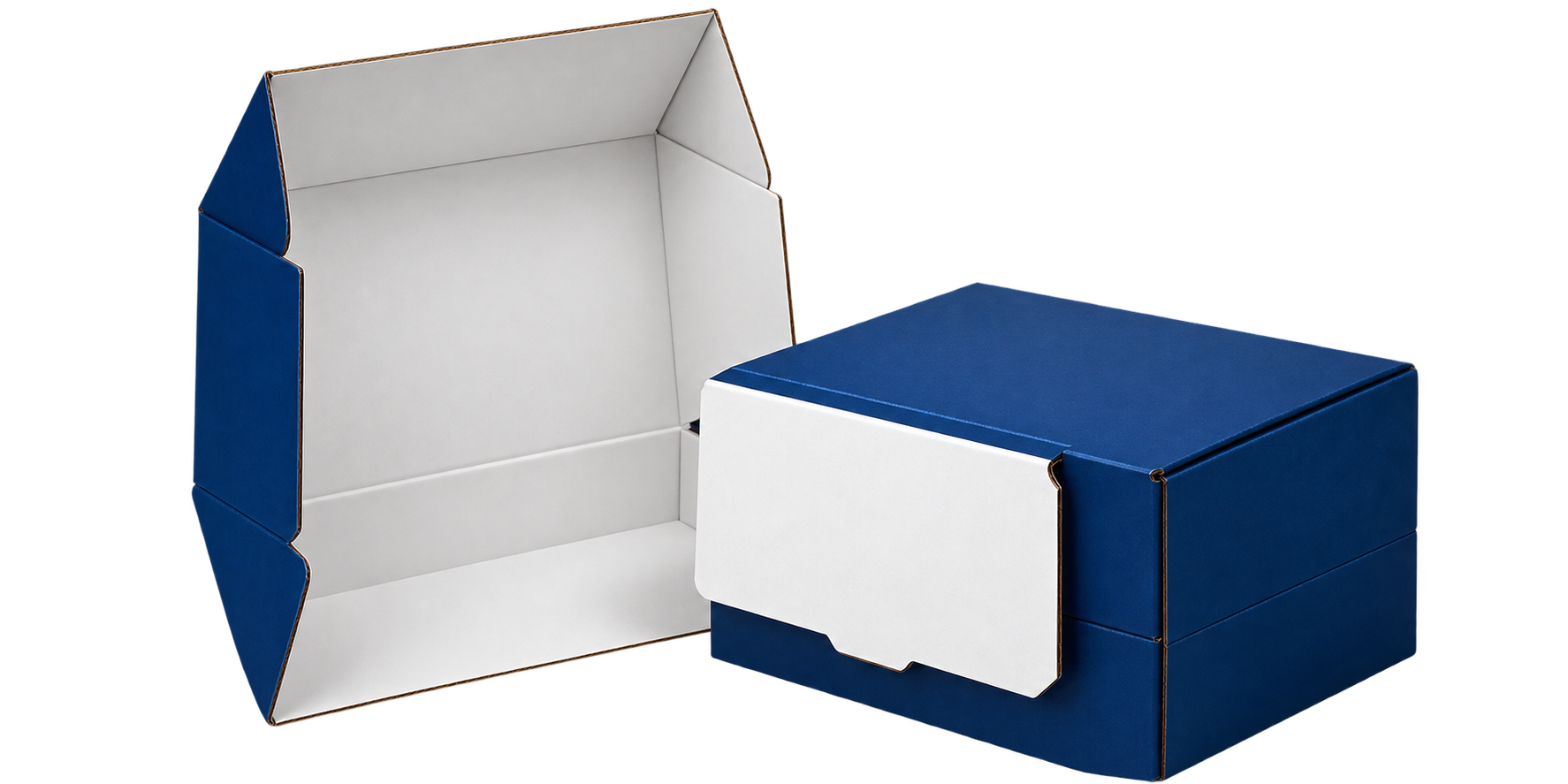
Get a Quote

Artwork

Artwork Standards – Original Packaging

Prepare your artwork correctly for sharp, accurate, and professional packaging results. Follow our simple artwork guidelines before submitting your files.

8 Steps of Preparing Artwork Files

Follow our 8-step Artwork Process to get better printing results

File Formats

Send files in AI, PDF or EPS format for best print quality.

Color Profiles

Use CMYK color mode for accurate print colors.

Text

Convert all fonts to outlines to prevent font issues.

Additional Printing

Specify PMS colors, foil, embossing, spot UV and other finishes.

Dielines

Use our supplied template and do not alter the dieline.

Lines

Maintain the recommended minimum line thickness for clean printing.

Images

Use high-resolution images, preferably 300 DPI or higher.

Graphics

Keep graphics vector-based whenever possible for sharp results.

Make Your Packaging Boxes Attractive with Compelling Artwork

Brand Focused Designs

Create packaging that reflects your brand with professional artwork and consistent branding.
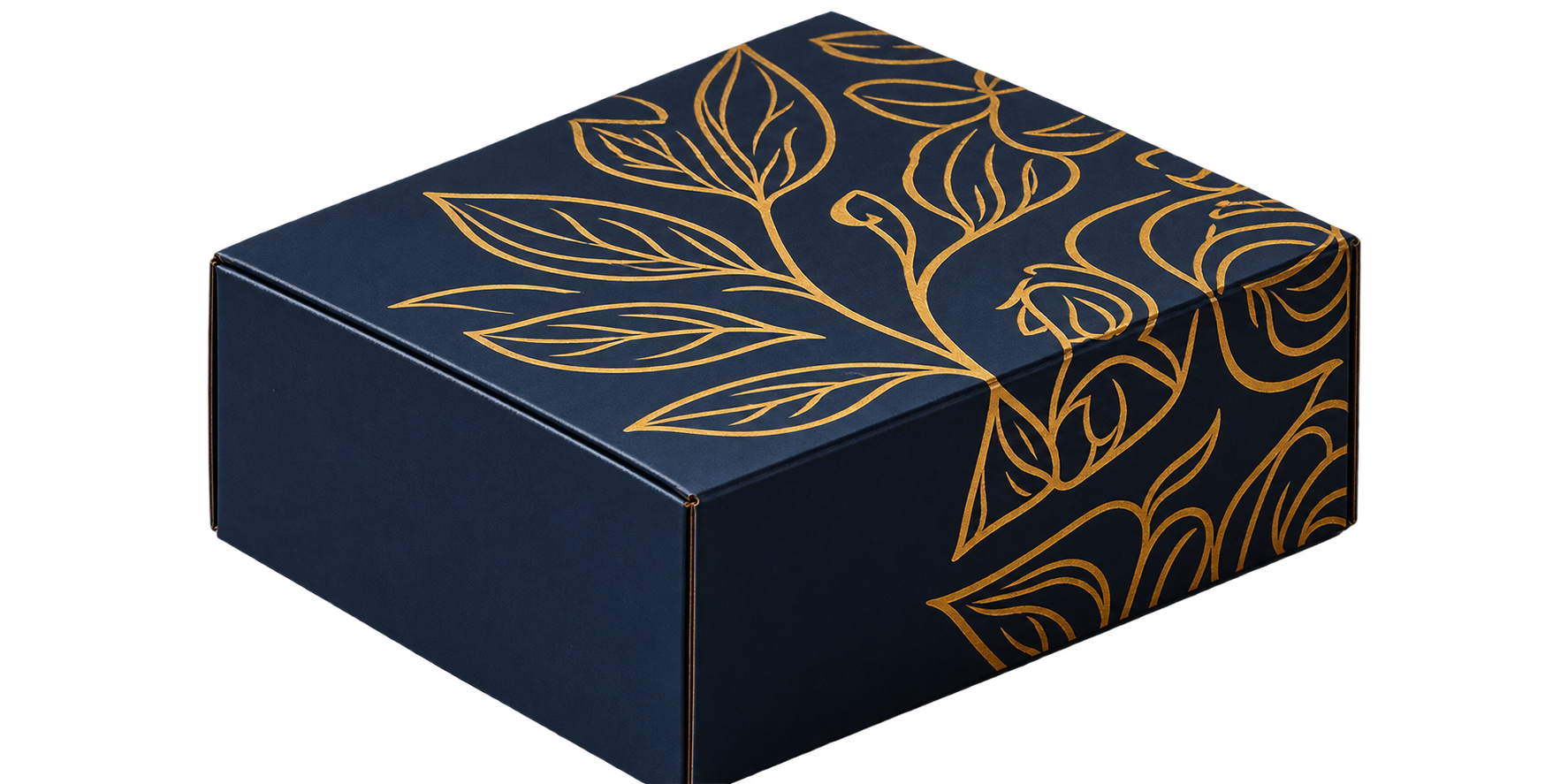
Premium Finishes

Enhance your boxes with foil, embossing, debossing, spot UV and other premium finishes.
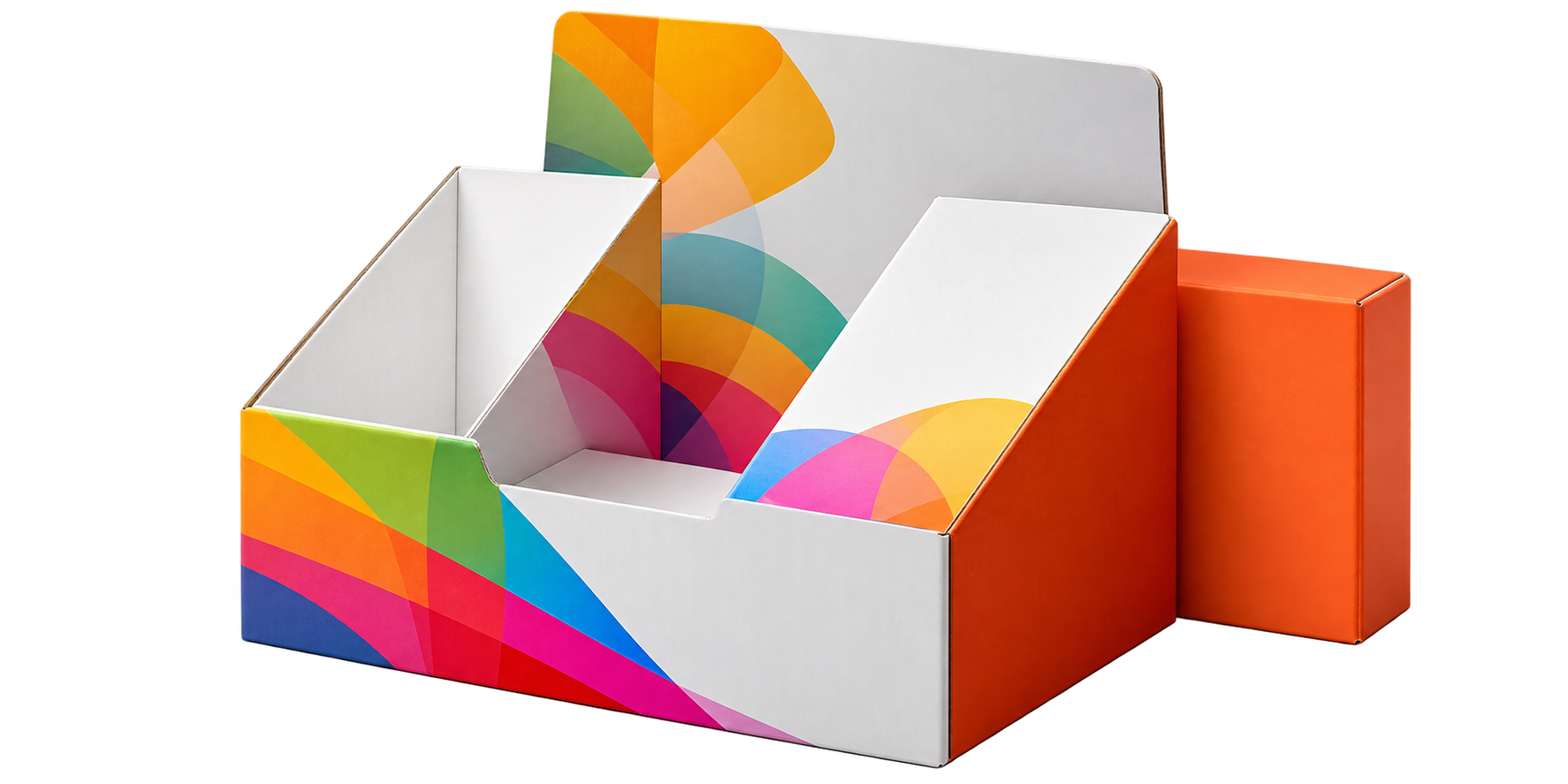
Print Perfectly

Properly prepared artwork ensures sharp graphics, accurate colors and clean printing.
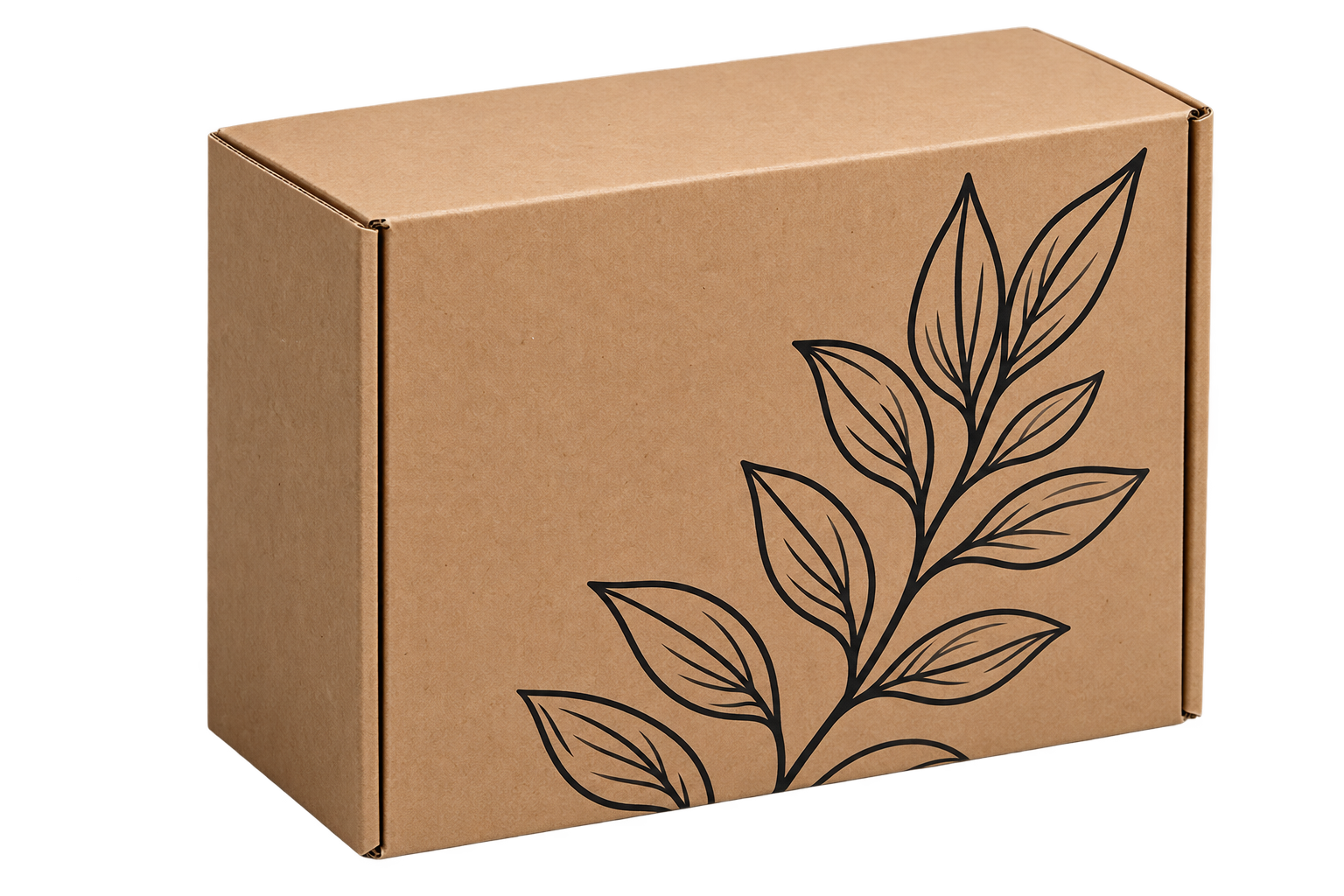
Consistent Brandi

Keep your logo, colors and design elements consistent across every packaging product.

File Formats

Color Profiles

Text Profiles

Additional Printing Options

Dielines

Lines

Images

Graphics